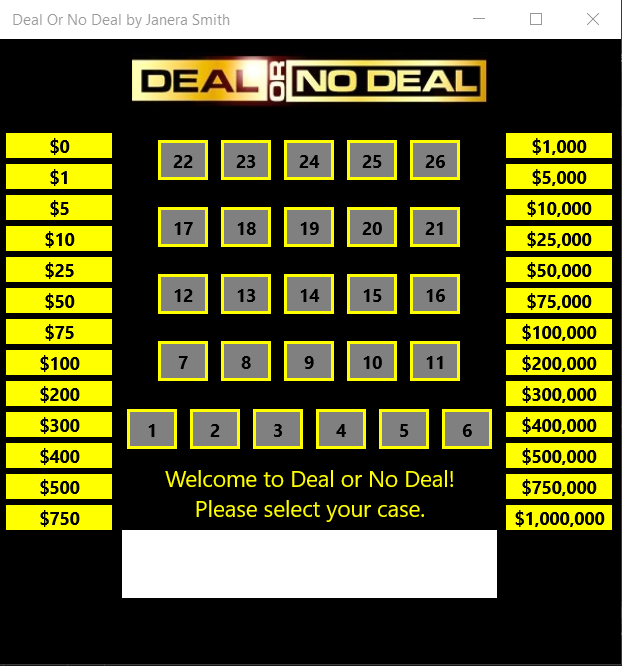
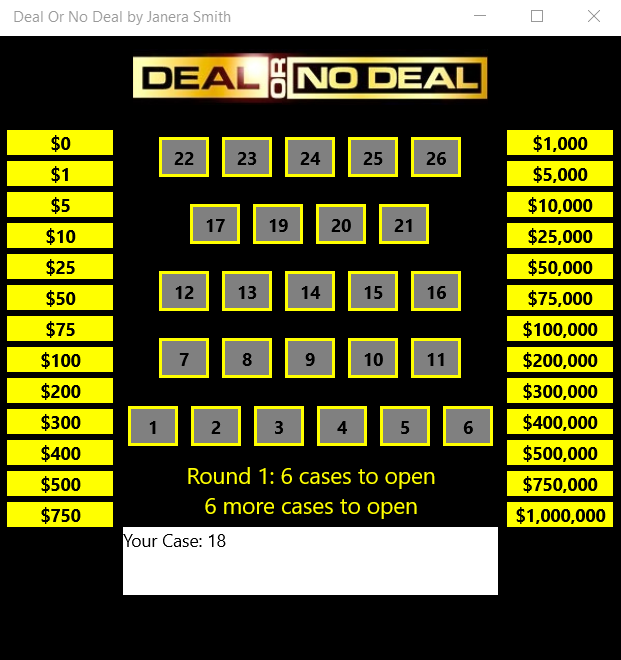
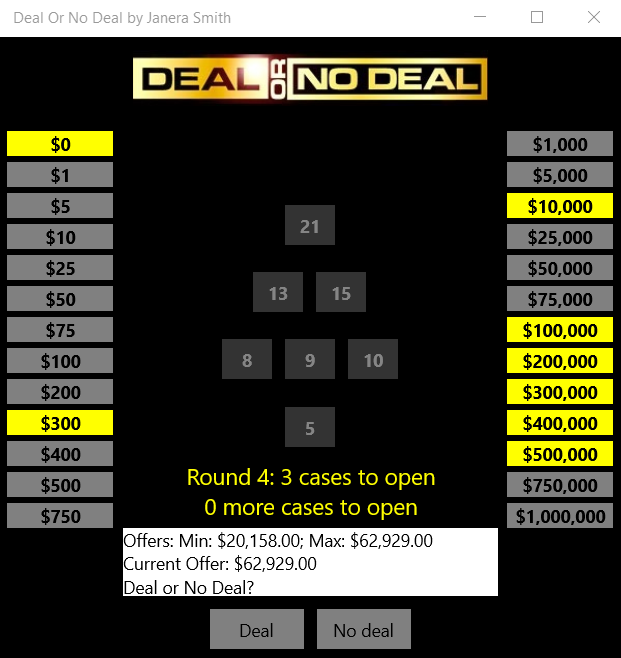
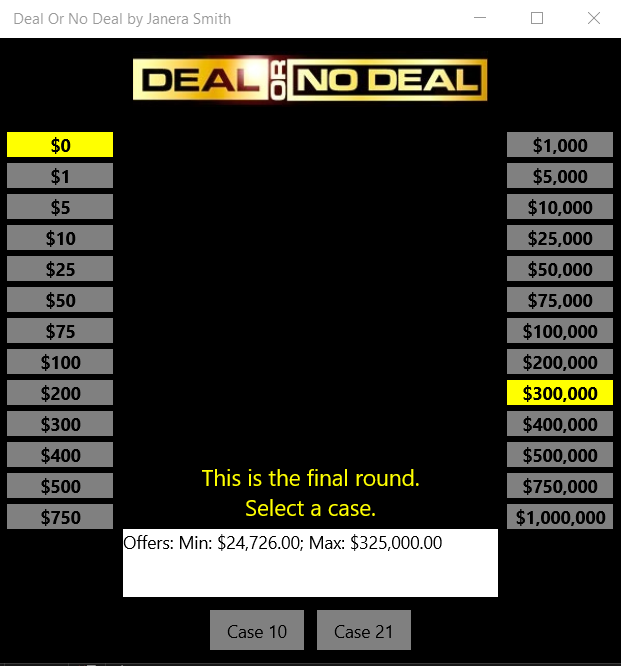
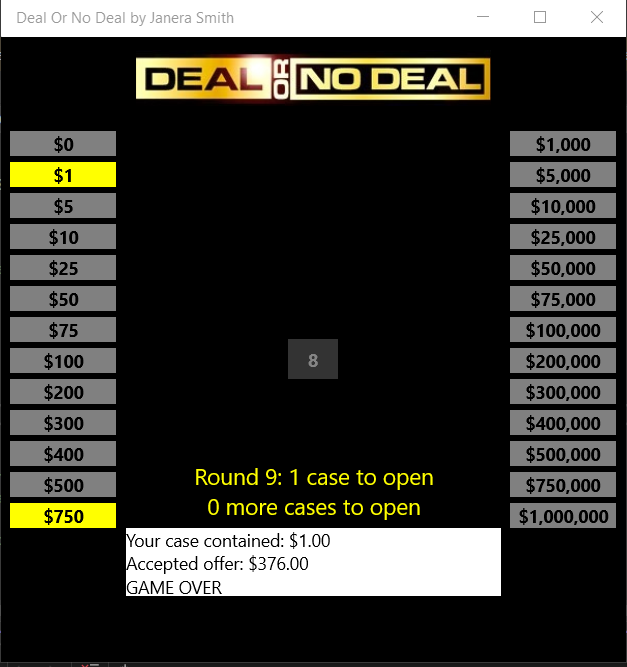
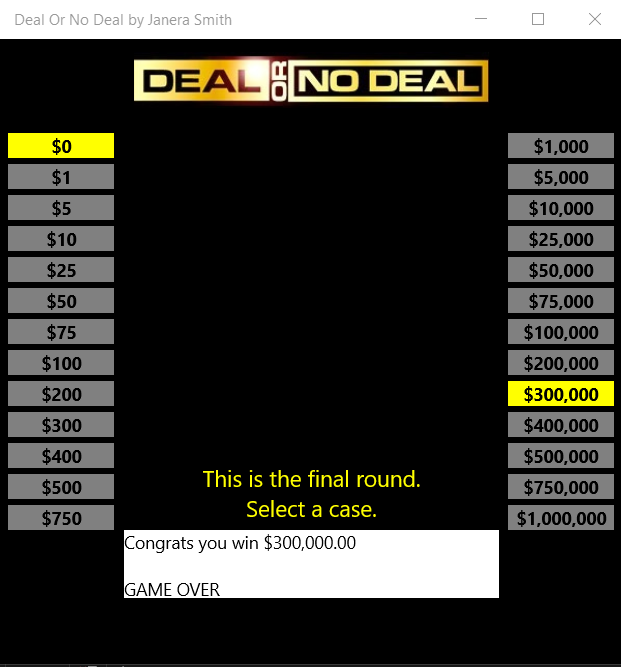
Deal or No Deal was an assignment in one of my classes for the Fall 2022 semester that I had to get used to C# for future assignments. It works like the actual Deal or No Deal game show. Before the game starts, the player selects a case. The amount is hidden from the player until the player selects 'Deal' and the amount will show, or the final round is reached and the player selects the initial case. For this version, there are 10 rounds to play, and the player selects the number of cases listed. After the player selects the number of cases, the outputted text will display the current offer for each round and whether player wants to take the current offer (Deal) or continue to the next round (No Deal). When the final round is reached, the deal or no deal buttons are replaced with the player's initial case and the final case left in play. The goal is for the player to retrieve the highest money value possible, which is $1,000,000.
My Computer Science Projects
I am going to showcase some of my work that I had done so far while pursing the major in school. There will be videos, images and a PowerPoint presentation, followed by an explanation of what I've completed. Hopefully in the future, I will have some online game-play for some of my work. Other projects will be outside of school. There will be a section of a list of future and ongoing projects that will be included in this tech portfolio.
Deal or No Deal
Deal or No Deal Videos

This video explains more about where I select 'Deal' to reveal the initial case amount and the accepted offer.
Recipe Planner Application: Desktop Side
How the Project was chosen
The Recipe Planner Application was decided amongst the students during my Capstone class for an ongoing semester project. This project was worked on in a group of 3. The professor required tons of criteria in order for us to test, implement, and produce the application to the best of our ability. I mainly worked on the desktop side while the other 2 teammates worked on the website side. This project did have some sprints for each of the work that needed to be completed. It was evaluated by the professor after each sprint within the semester so that the professor can give us feedback as to what needed to be changed or included. There were extra items that we didn't have to include for the final product, but we decided to go ahead and finish the project fully so that we each can earn a 'Satisfactory' in the course.
The Project Description
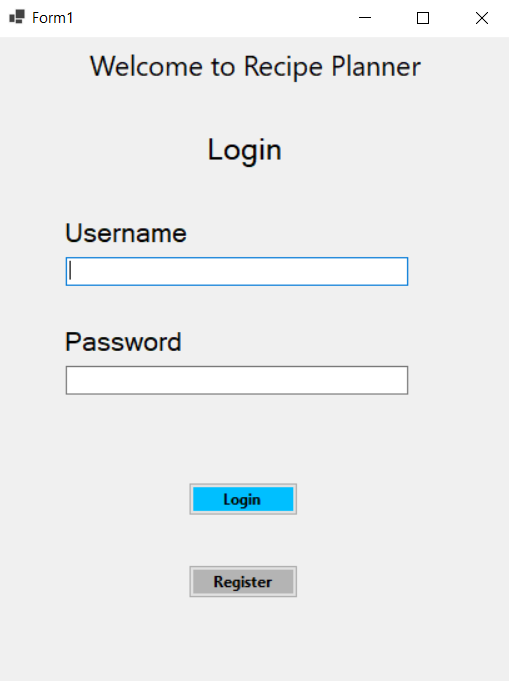
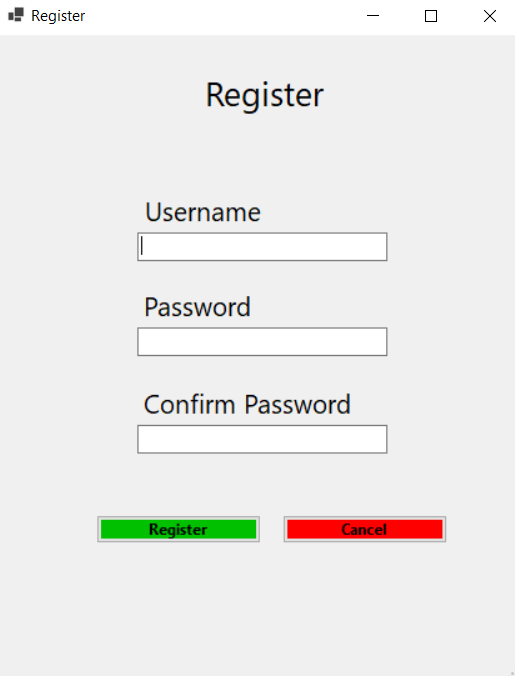
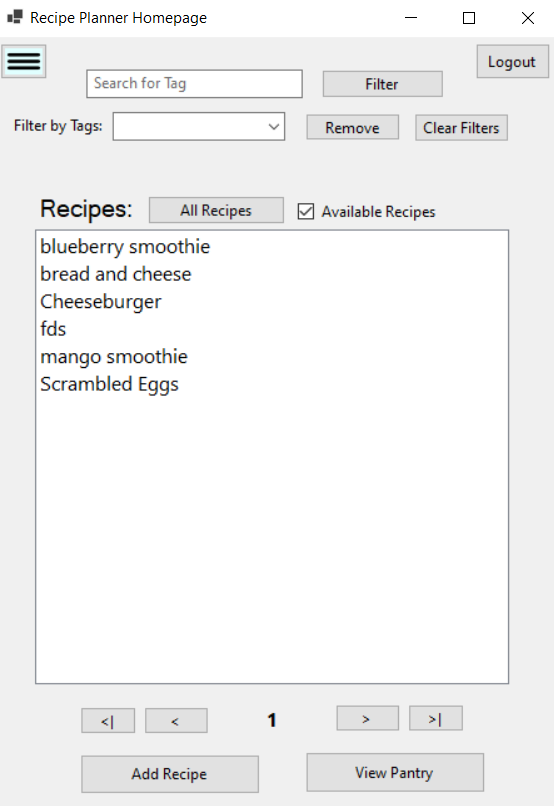
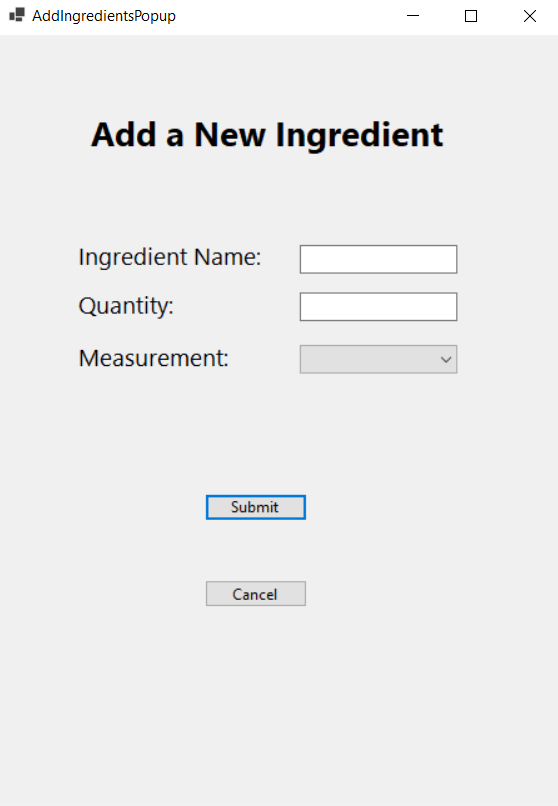
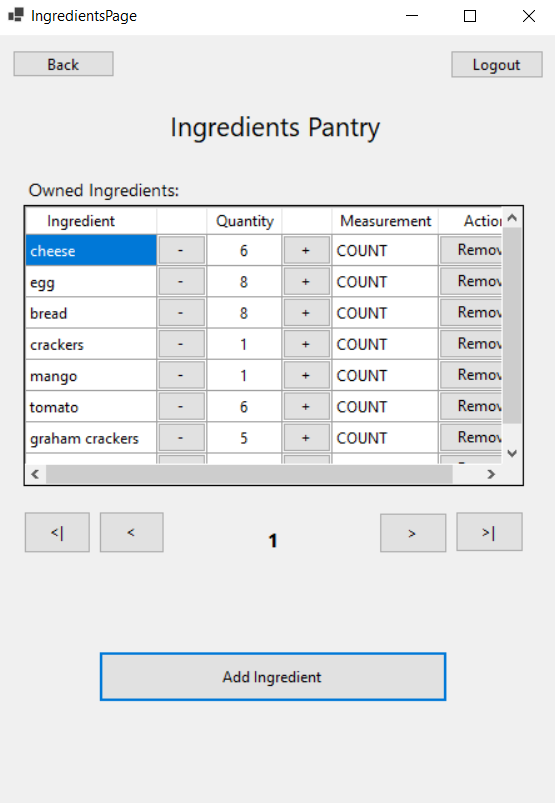
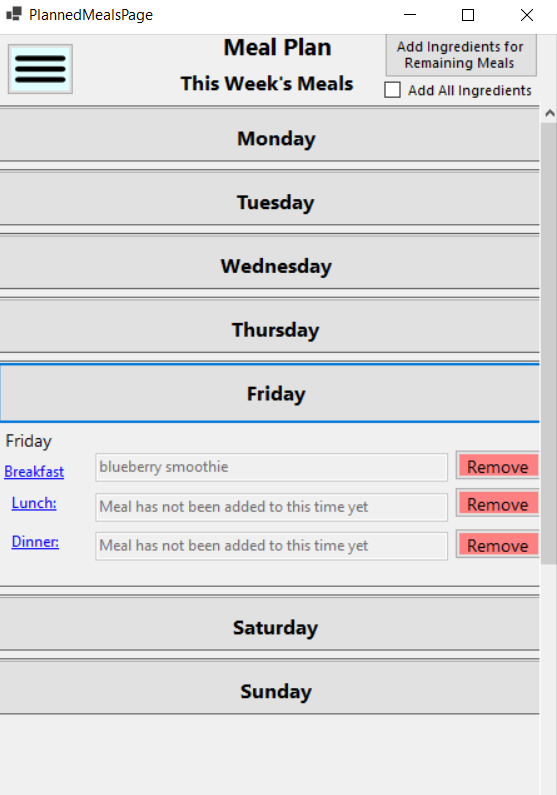
The professor wanted a Recipe Planner Application where the user can login to the system, register a new user, view current recipes that were added (if not added, the user can make their own recipe), filter the recipes based on tags, add ingredients for the recipe in a pantry, add recipes to a meal plan for that given week or future week, share recipes for others to view and add to their own recipe planner, shop for ingredients to add to the pantry, and finally allow the user to cook using the given recipe.
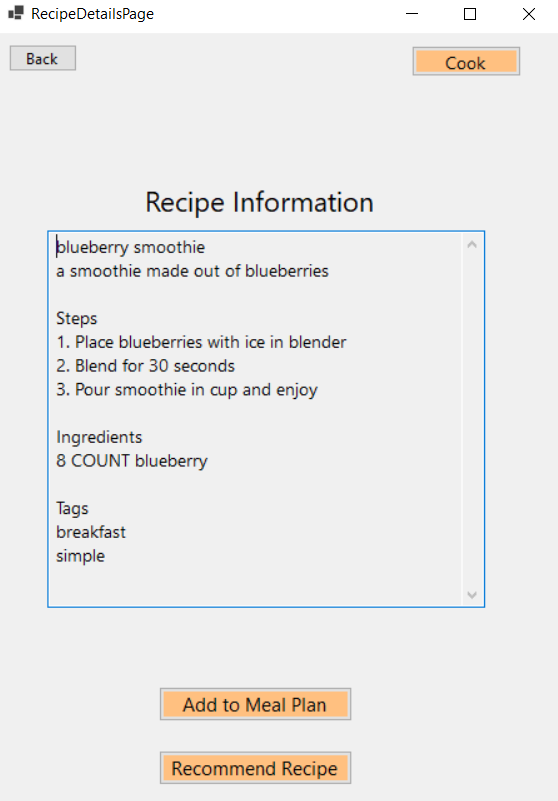
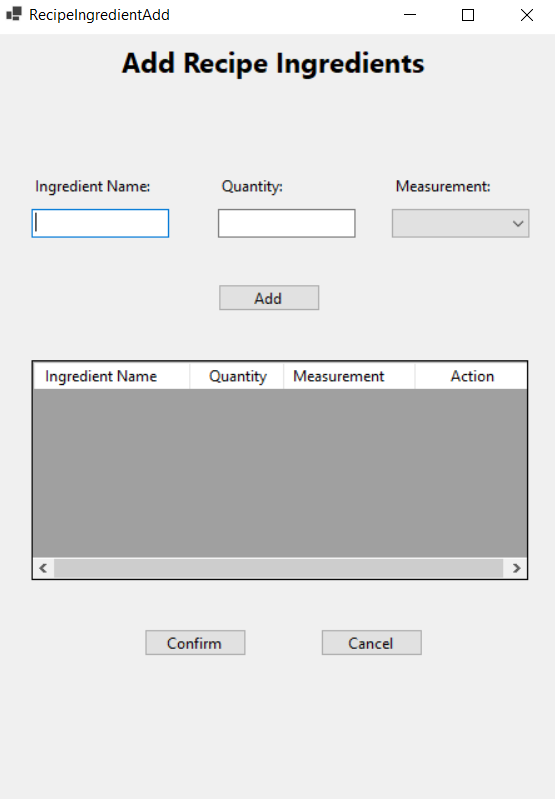
The desktop side took all semester for me to complete. The functionality worked 100% for what I've completed. There will be pictures of my work that I've completed.
This Website
I will count this website portfolio as one of my personal projects. I originally had a website portfolio created from Wix, but there were some lagging problems while making the necessary changes and additions while editing. I always forget, "hey, I graduated with Computer Science. I should be making my own website". When the website is fully complete, I will upload images.
Website Builder I used: Phoenix Code
More about Phoenix CodeFuture Coding Projects
Below will be some of the future projects I plan to work on:
- Ladder Larry Math Game (in progress)
- Address Book Organizer (in progress)
- Jai.BlazeFlame's Website (will begin working on project soon)